Enterprise · Geospatial Analytics
Territory Intelligence Platform
Enterprise sales-optimization suite — interactive maps, custom analytics composition, and territory modeling on 200k+ row datasets.
Client project · Role: Frontend lead
Overview
A sales-optimization platform that ingests CRM data — from Excel, APIs, or direct CRM exports — and transforms it into territory analytics, custom dashboards, and interactive maps. I led the frontend, owning the UI architecture across three distinct product surfaces, and the performance work that made enterprise-scale datasets usable in the browser.
The problem
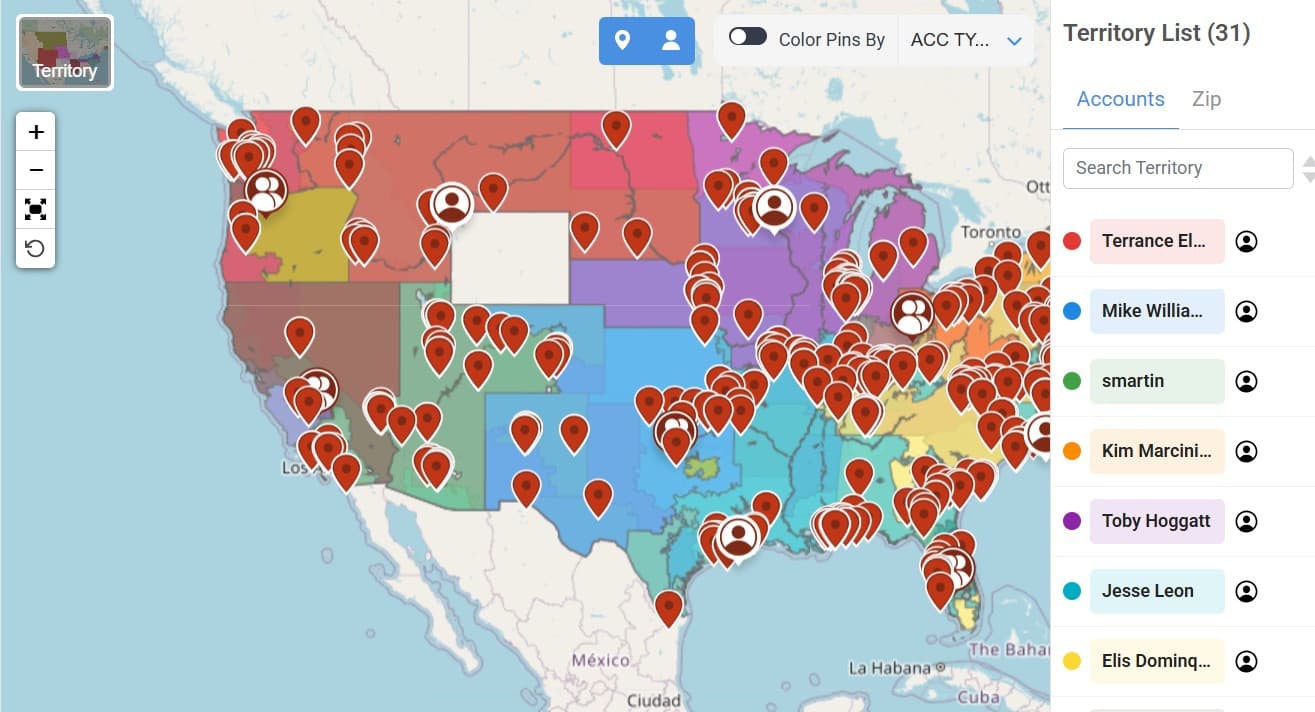
Rendering a 200,000-row dataset on an interactive map locked the browser for roughly a minute. For a sales tool used daily by enterprise teams, that wasn't usable — it was a tool people avoided. The challenge wasn't just speed; it was making the data feel responsive at scale, on a legacy jQuery + Bootstrap stack where modern rendering optimizations don't come for free.
What I built
Performance — viewport-aware marker loading
Cut map render time from ~60s to ~10s by rendering only ~600 markers per zoom level and progressively loading the next batch as the user zooms. The map now feels instant at any scale.
Three products, one codebase
- Optimization — territory modeling that generates territories from statistical inputs (target territory count, optimization metric).
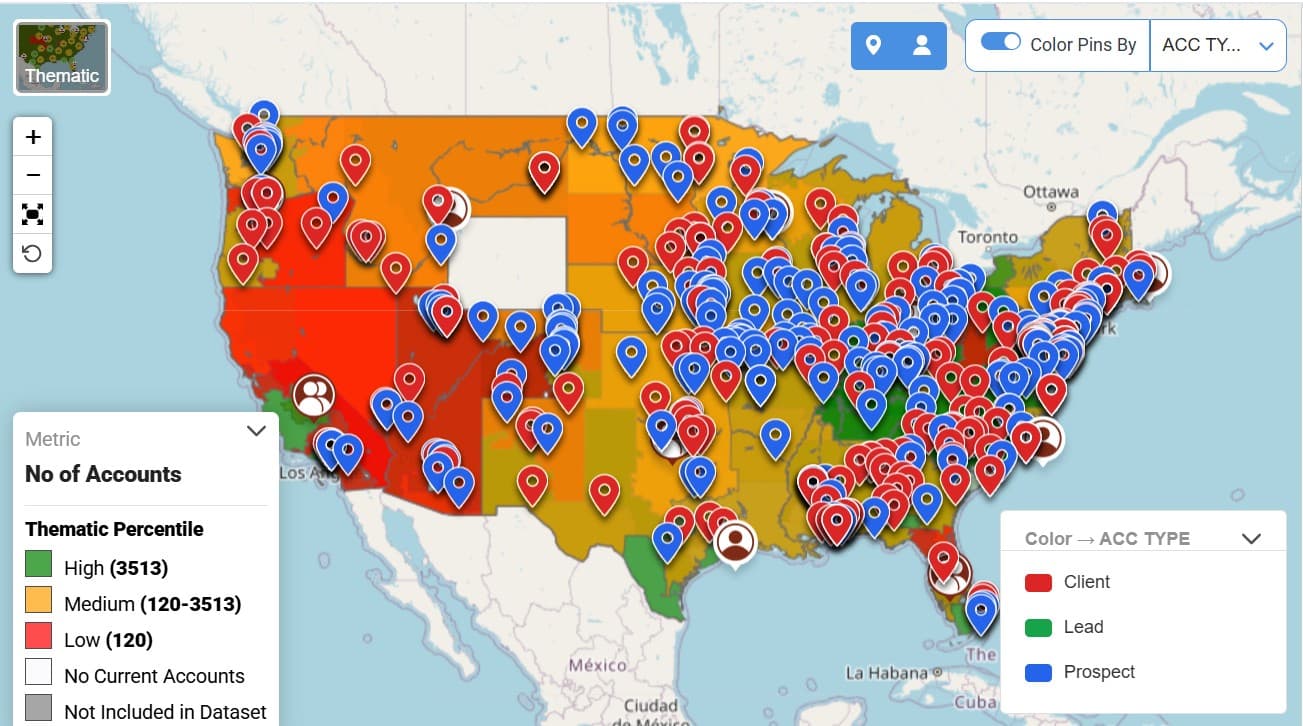
- Visualization — bar, line, and thematic heatmap views with custom-metric composition. Users build derived metrics (e.g. revenue-per-capita filtered by region and time window) and drill down by clicking a state on a thematic map to surface that region's data.
- Lead routing — a custom rule builder where users define routing logic through a drag-to-reorder interface.
Architecture decisions
- Models and reports load inside iframes to isolate them from the main dashboard, preventing heavy widgets from blocking the primary render.
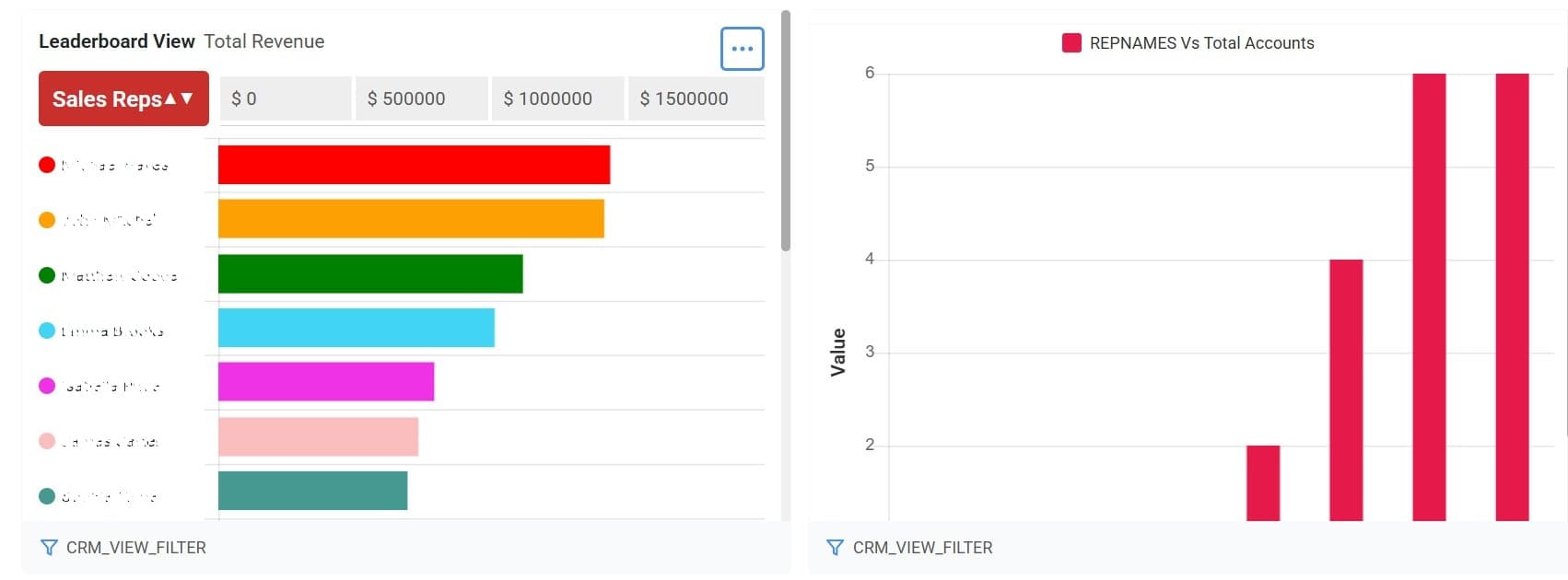
- A customizable scoreboard lets managers compose multiple reports side-by-side as widgets and share across the team.
- Models and reports support public/private visibility and sharing between managers and salespeople.
Outcome
The 60s → 10s improvement made the map a daily-use tool instead of an avoided one. The three-product architecture let one codebase serve different user workflows without forking — optimization for analysts, visualization for managers, lead routing for sales ops.